This article explains the steps for adding personal and banking information.
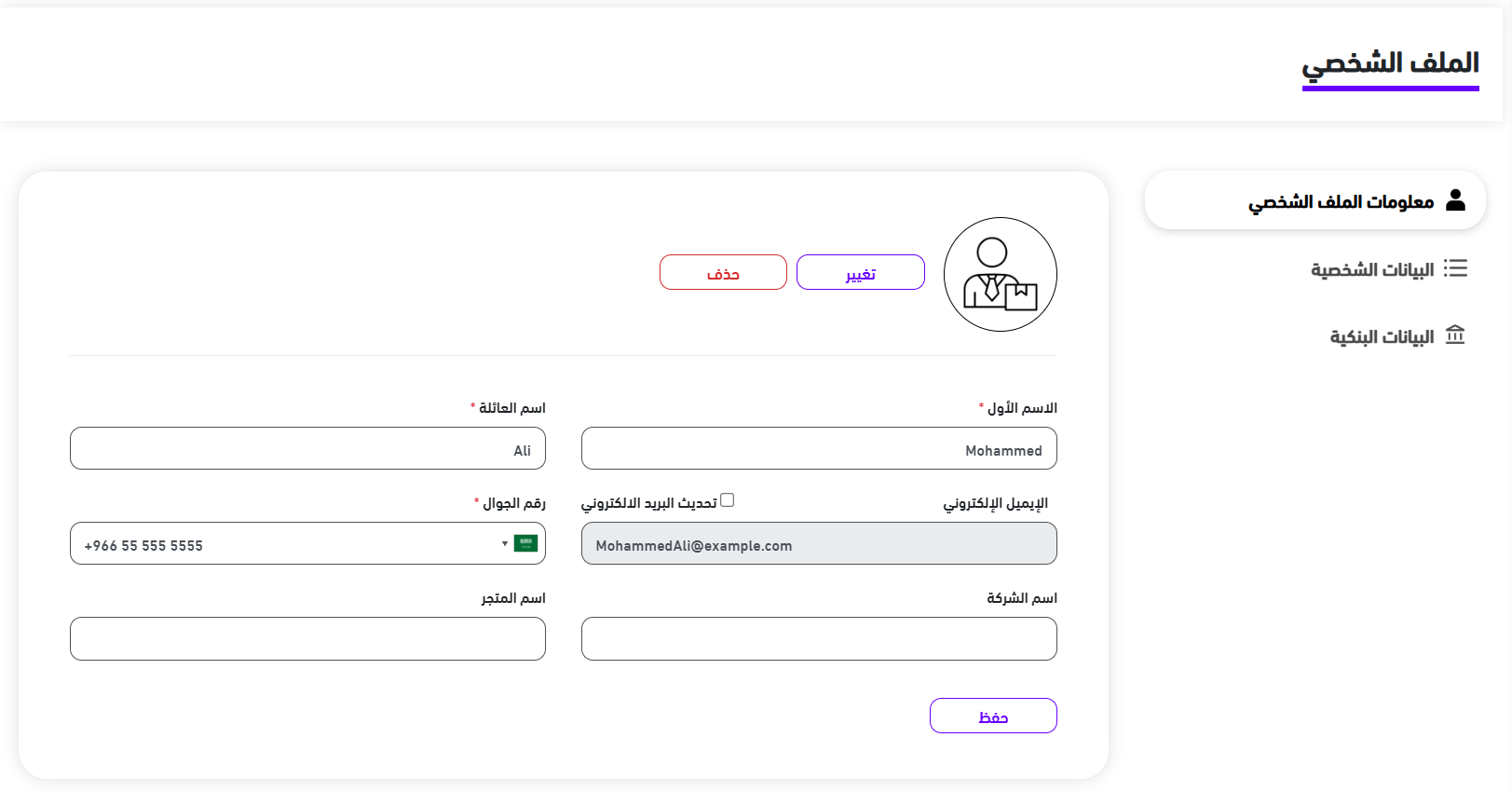
Adding Personal Information #
- Go to Settings, then Profile
- Add or edit your personal information, you can also add a photo
- Click “Save”
- Click on Personal Form
- You can edit the country and account type. You can also add billing information, if you add it, click “Submit”
Adding Banking Information #
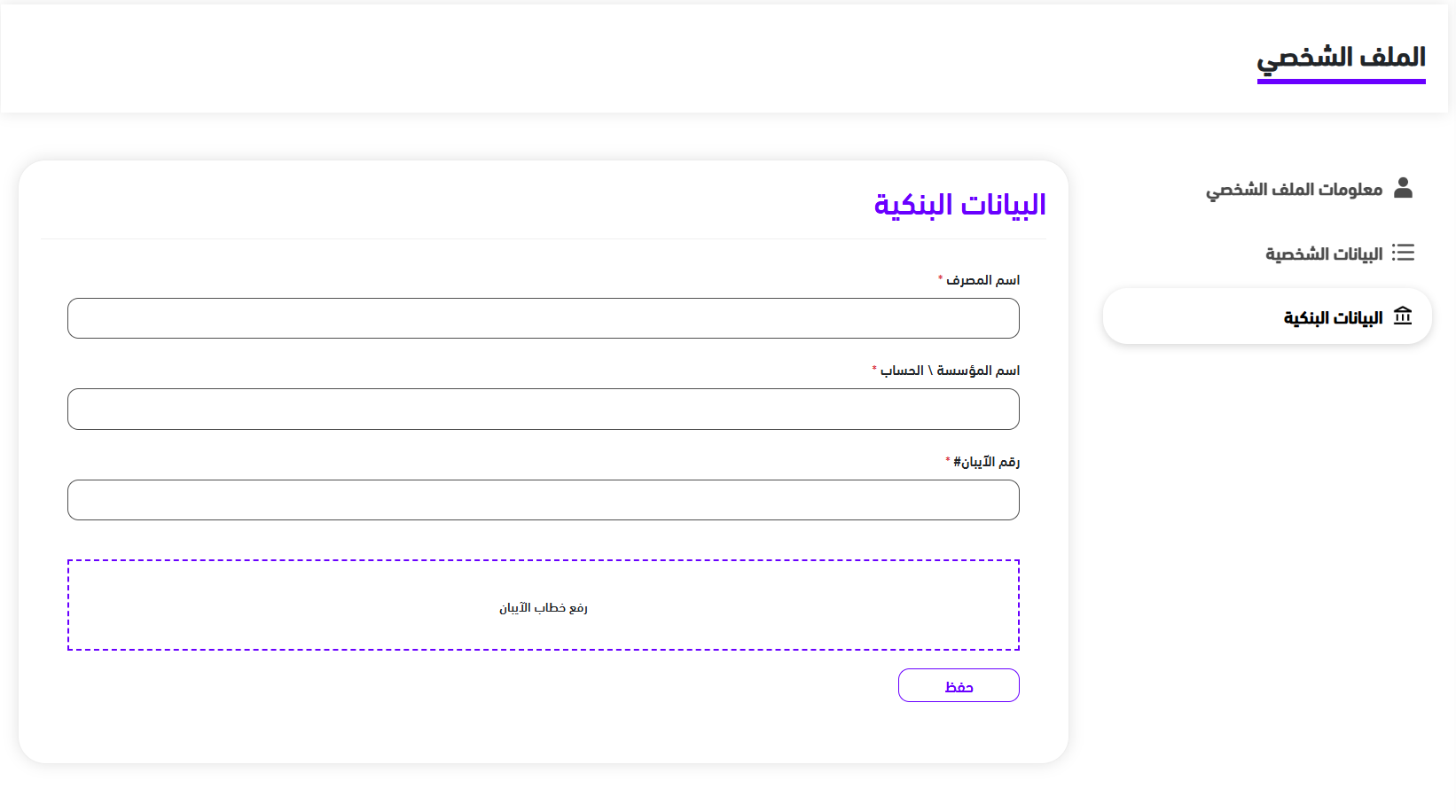
- Go to Settings, then Profile
- Click on Bank Details
- Fill in the information
- Click “Save”
You can edit personal and banking information later by following the same steps outlined above.

 English