
This article explains how to export orders.
Export Steps
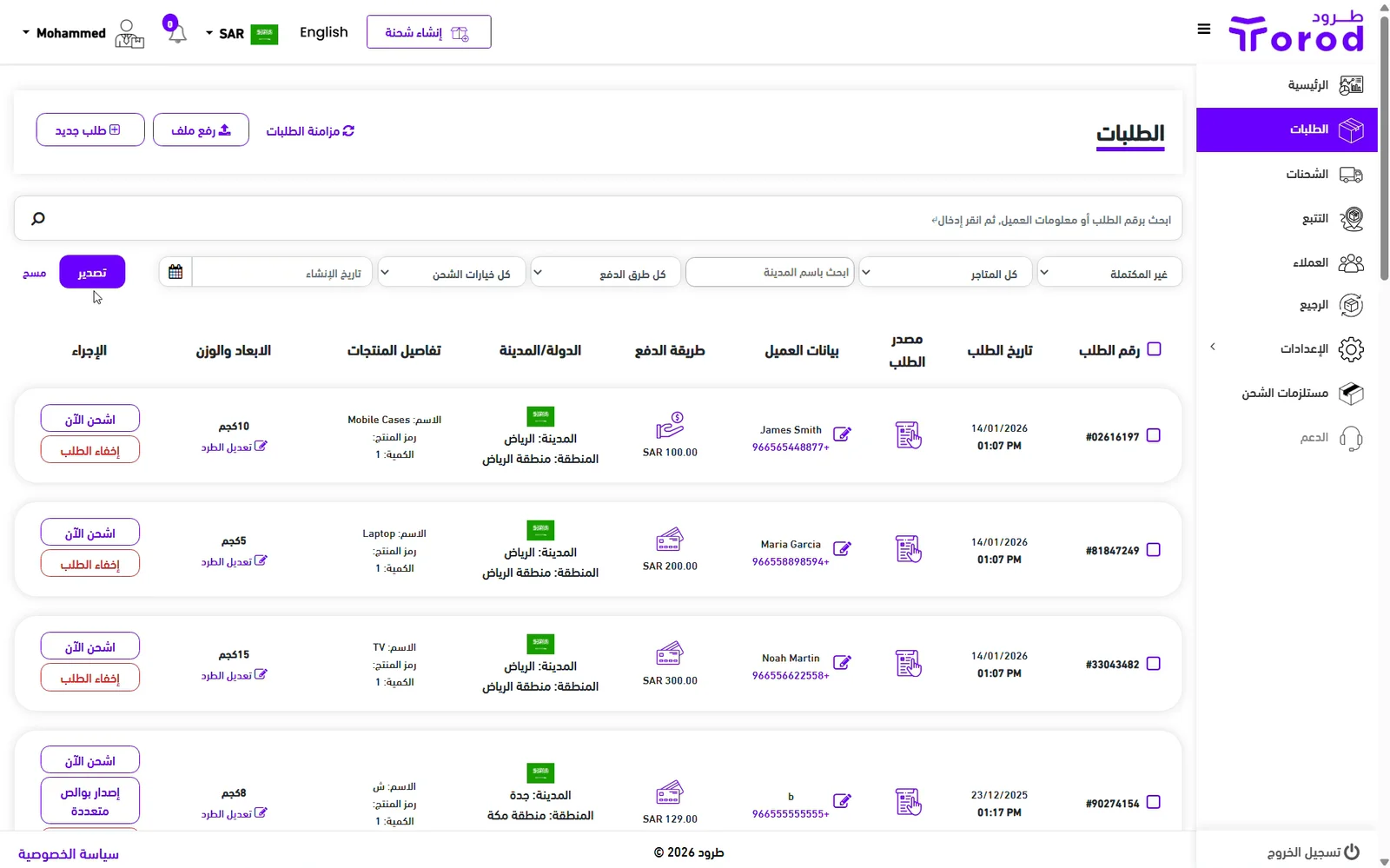
Go to the Orders page
Click “Export”
Your orders file will automatically download to your device.
This article explains how to export orders.
Go to the Orders page
Click “Export”
Your orders file will automatically download to your device.
That’s Great!
Thank you for your feedback
Sorry! We couldn't be helpful
Thank you for your feedback
Feedback sent
We appreciate your effort and will try to fix the article