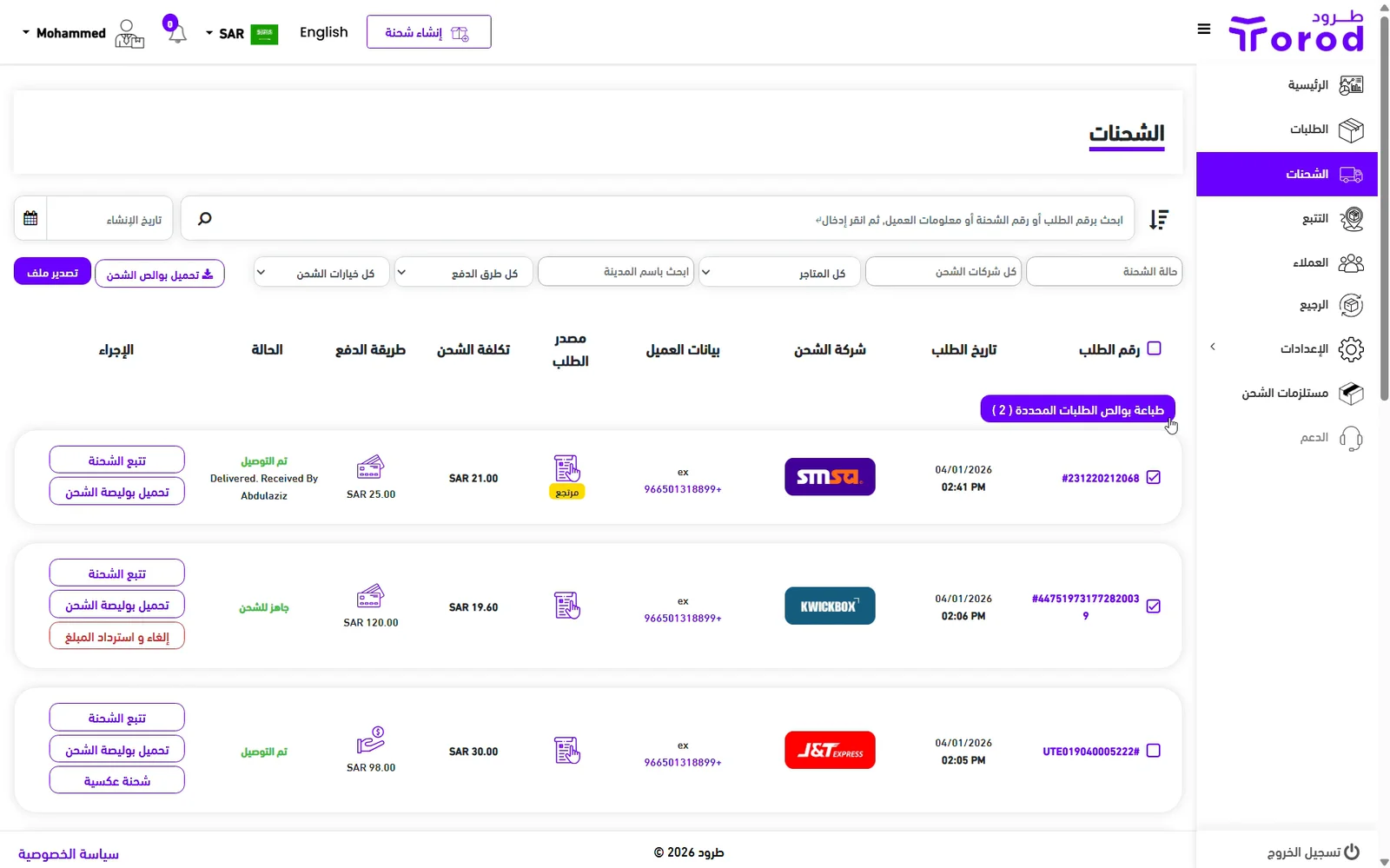
This article explains how to print shipping labels for a single or multiple shipments
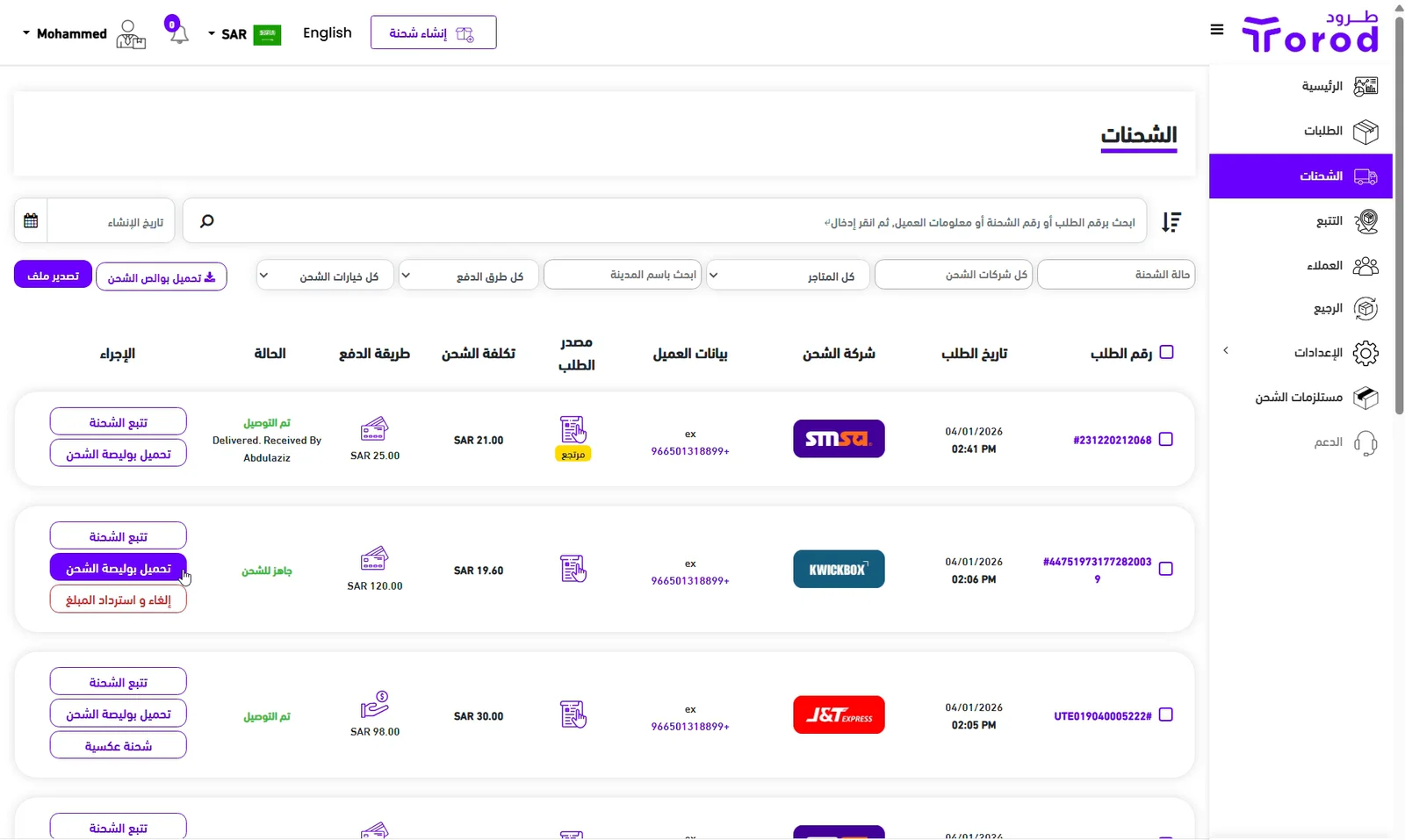
Print Label for a Single Shipment
Go to the Shipments page
Click “Download Label” next to the shipment label you want to print
The label will automatically download to your device.
Print Multiple Labels
- Go to the Shipments page
- Select the shipments you want to print labels for by clicking the checkbox next to each shipment, or click the checkbox next to “Shipment ID” to select all shipments on the current page
- Click “Print labels for selected shipments”
All labels will automatically download as a single file